
Today, AI photo editing tools can remove unwanted objects from photos in seconds even if you have zero editing experience.
I still remember helping a friend clean up wedding photos after an outdoor event.
One amazing shot of the couple had a bright orange trash can right behind them.
In the past, editing that image would have taken real Photoshop skills.
Instead we used an AI object remover brushed over the trash can clicked once and it disappeared naturally in less than ten seconds.
That moment convinced me that AI editing tools are changing photography for everyone, not just professionals.
In this guide, I’ll explain how AI photo removal tools work, which tools are worth using, what results you can realistically expect, and how to choose the best option for your needs.
Why AI Object Removal Tools Are So Popular
AI-powered photo editors have exploded in popularity because they solve a problem almost everyone faces: imperfect photos.
These tools use machine learning and image recognition to understand the surrounding pixels in a photo.
When you remove an object, the AI automatically fills the empty space with matching textures, lighting, and background details.
Instead of manually editing every pixel, the software does the hard work for you.
People commonly use these tools to remove:
- Photobombers
- Power lines
- Trash cans
- Watermarks
- Acne or skin blemishes
- Unwanted shadows
- Cars in the background
- Text overlays
- Random objects on tables
- Tourists from travel photos
For content creators, online sellers, bloggers, photographers, and social media users, this can save hours of editing time.
How AI Photo Removal Actually Works
Most modern AI object removers use a process called “content-aware fill” mixed with deep learning models.
In simple terms, the AI studies the nearby area around the object you want to remove. Then it predicts what should naturally exist behind that object.
For example:
- If you remove a person standing on grass, the AI recreates the missing grass texture.
- If you erase a power line from the sky, it rebuilds the sky smoothly.
- If you remove a chair from a room, it attempts to continue the floor pattern and wall details.
The newest tools are highly accurate because they have been trained on millions of images.
Results still depend on the complexity of the image. Simple backgrounds work best. Busy scenes with overlapping objects can still require manual touch-ups.
Best AI Tools to Remove Anything From Photos
1. Cleanup.pictures
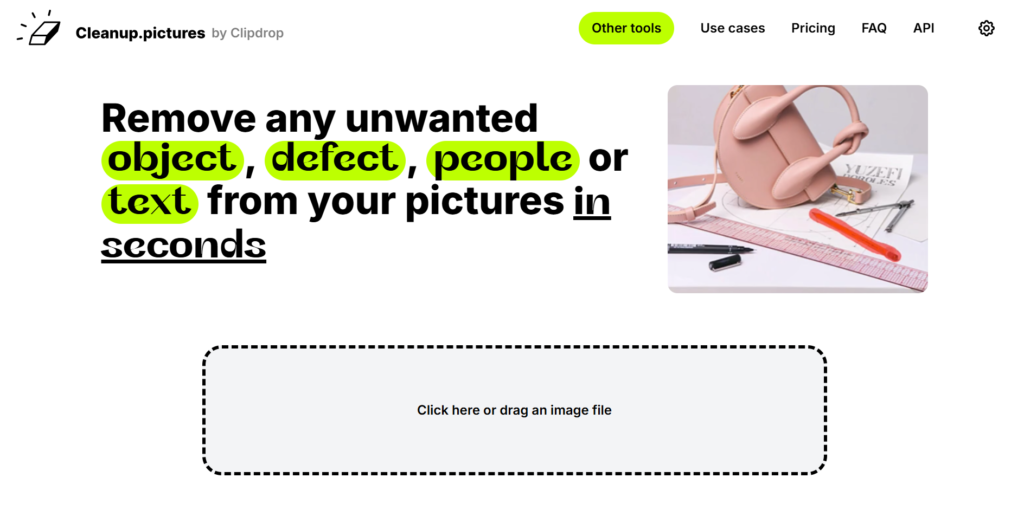
Cleanup.pictures focuses specifically on AI object removal.
Unlike large editing platforms, it does one thing very well: removing unwanted elements from images quickly.
Best For:
- Quick edits
- Travel photos
- Casual users
Pros:
- Very simple
- Browser-based
- No software installation
- Fast processing
Cons:
- Limited advanced editing tools
- Free version has lower export quality
For simple removals like tourists or small distractions, this tool works very well.
2. Fotor AI Object Remover
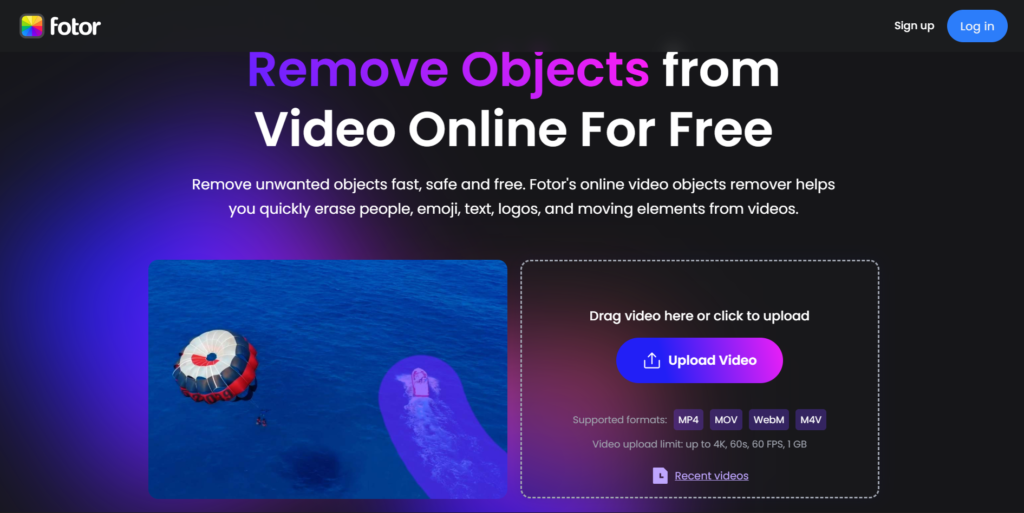
Fotor combines AI editing with photo enhancement tools.
It’s especially useful for users who want quick edits without learning professional software.
Best For:
- Small businesses
- Ecommerce sellers
- Social media content
Pros:
- Beginner-friendly
- Multiple editing features
- Affordable pricing
- Mobile support
Cons:
- Sometimes struggles with detailed backgrounds
I tested Fotor while editing product photos for a small ecommerce store selling watches.
On simple white backgrounds, the AI removed dust spots and table reflections very well. But on reflective metal surfaces, the tool sometimes created blurry patches around the edges, so I still had to do small manual corrections afterward.
3. Snapseed Healing Tool
Snapseed, developed by Google, remains one of the best free mobile editing apps.
Its Healing feature can remove small objects effectively.
Best For:
- Smartphone users
- Quick social edits
- Free editing
Pros:
- Completely free
- Mobile-friendly
- Easy interface
Cons:
- Limited AI intelligence compared to desktop tools
For mobile editing on the go, Snapseed is still one of my favorite recommendations.
Free vs Paid AI Removal Tools
Many people ask whether free AI object removers are good enough.
The answer depends on your needs.
Free Tools Are Great For:
- Social media posts
- Casual photography
- Small object removal
- Personal use
Paid Tools Are Better For:
- Professional photography
- Client work
- High-resolution images
- Complex scenes
- Commercial projects
From my experience, free tools work very well for simple edits.
But if you regularly edit photos for work, having a premium tool saves time and improves quality.
Common Problems AI Tools Still Struggle With
Even though AI editing has improved, still it is not perfect.
Here are situations where results may look unnatural:
1. Busy Backgrounds
Crowded scenes with many overlapping details confuse AI systems.
2. Large Object Removal
Removing a tiny bird from the sky is easy. Removing an entire car from a crowded street is harder.
3. Human Faces and Hands
AI sometimes creates strange textures around faces or fingers.
4. Shadows and Reflections
Objects connected to shadows or mirrors can leave visible artifacts.
Whenever I edit important client photos, I always zoom in closely after AI removal. Sometimes tiny mistakes only become visible later.
Tips for Better AI Photo Removal Results
When editing important images, I usually make multiple copies of the original photo before testing AI removals.
Over the past few months, I tested these tools on portrait photos, product images, outdoor travel shots, and low-light smartphone pictures to see where AI removal performs best and where it still struggles.
Some tools apply changes aggressively, and it’s easier to compare results side by side instead of trying to undo every edit later.
After testing many tools, I’ve learned a few tricks that consistently improve outcomes.
Use Smaller Brush Selections
Don’t highlight huge areas at once.
Smaller selections help AI work more accurately.
Remove Objects in Step
For large distractions, erase sections one by one.
Start With High-Quality Photos
Sharp images produce cleaner AI results.
Check Edges Carefully
Zoom in near corners and object edges for mistakes.
Use Multiple Passes
Sometimes repeating the process improves results.
These small tricks make a noticeable difference.
Are AI Photo Removal Tools Ethical?
This is an important conversation.
Removing distractions from personal photos is generally harmless.
But AI editing becomes questionable when images are manipulated to mislead people.
For example:
- Altering news photos
- Creating fake evidence
- Misrepresenting products
- Changing body appearance unrealistically
As AI editing becomes easier, responsible use matters more than ever.
In professional work, I believe transparency is important.
Can AI Remove Watermarks?
Technically, some tools can remove simple watermarks. However, removing copyrighted watermarks without permission may violate copyright laws and licensing agreements.
If you need watermark-free images, it’s always safer to purchase licensed versions or use royalty-free image platforms.
AI Editing on Smartphones Is Getting Easy
One trend I’ve noticed recently is how powerful mobile AI editing has become.
A few years ago, serious photo editing required desktop software.
Today, phones can perform advanced object removal in seconds.
Apps powered by AI now allow users to:
- Remove strangers from travel shots
- Clean messy backgrounds
- Enhance portraits
- Blur distractions
- Replace skies automatically
For casual users, I recently edited a travel photo directly from my phone while sitting in a coffee shop, and the entire process took less than two minutes.
A few years ago, that same edit would have required opening Photoshop on a desktop computer.
The Future of AI Photo Editing
AI photo editing is evolving rapidly.
The next generation of tools will likely include:
- One-click scene reconstruction
- Real-time video object removal
- Fully automated retouching
- Better shadow reconstruction
- More realistic texture generation
Based on what I’ve tested over the past year, we are already on the point where casual users can achieve edits that once required professional retouchers.
My Personal Experience With These Tools
In my own experience working with different AI photo removal tools over time, I’ve noticed that results really depend on the type of image and the level of detail in the background.
For quick edits like removing small objects or distractions, I usually prefer simple browser-based tools because they are fast and don’t require setup.
When I’m dealing with more complex images or need cleaner, professional results, I switch to more advanced software that offers stronger AI reconstruction.
Over time, I’ve learned that no single tool works perfectly for everything, so choosing based on the situation gives the best overall result.
Some AI editing apps also advertise results that look far better in marketing examples than in real-world use.
In my experience, heavily compressed photos from social media often produce weaker results because the AI has less image detail to work with
Final Words
AI object removal tools are no longer just gimmicks. They are practical, time-saving solutions that help everyday users improve photos instantly.
What impresses me most is accessibility. You no longer need years of editing experience to clean up an image professionally.
Whether you are fixing vacation photos, creating content for social media, or editing product shots for an online store, modern AI tools make the process very simple.
The best results still come from understanding each tool’s strengths and limitations. AI can save time, but thoughtful editing still matters.
The technology is moving fast, and honestly, it’s exciting to watch. Photo editing that once was impossible for beginners now takes only a few seconds.
Source:
Mireles, A., & Mireles, A. (2025, November 16). I tried popular AI object removers – here are the best ones. Shotkit.
Alice. (2025, March 27). Top 10 AI Apps for Removing Objects from Pictures in 2025. LightPDF.Disclaimer: The information on this site is only meant to be informative. It shows our thoughts and experiences with the apps and websites we’ve looked at. Although we try to be accurate, the app’s functions, prices, and availability may change over time. Verify information on the official website or app before making a choice. Whatever problems, mistakes, or losses happen because of using this information, we’re not responsible.